🌐 3D shapes
Wrap curtains around a cylinder, a box or a globe.
Curtains bend. Wrap them around a big tube, a box or a ball and you have a glowing art piece. Tell GlowBop the shape and it wraps the picture all the way around, with no seam where the ends meet.
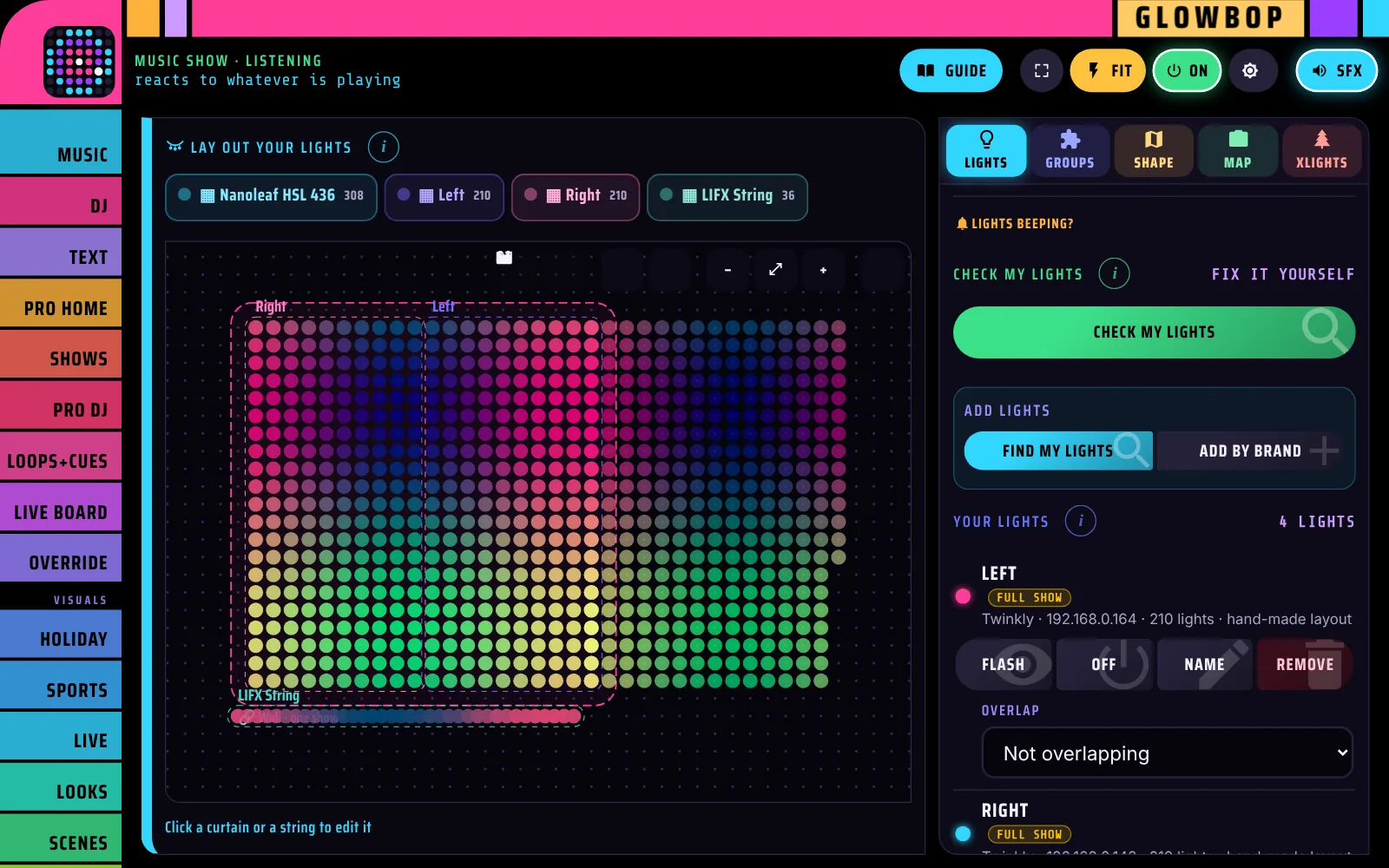
Pick the shape
- Tap LIGHTS. In Layout & shape, find Shape.
- Choose Flat wall, Cylinder, Box or Globe.
- For a cylinder or box you can pick a Curtain on top (lid).
Cylinder
Curtains wrapped around a tube or column. The picture loops around forever.
Box
Curtains around the four sides of a cube or pillar, with an optional lid.
Globe
Curtains around a ball. Effects spin like a planet.
The 3D preview
As soon as you pick a shape, the live wall turns into a 3D model of your piece, lit with the real show. Drag it to spin it around and look at every side.
The seamless wrap
Where the last column meets the first, the picture flows straight across the join. No hard line, no jump.
3D effects
The 3D Object look has effects made for wrapped lights. They know your shape, so a globe spins like a planet and rings rise around a column.
The clips are shown unrolled, flat. On the real piece they wrap around. Every other look works on a shape too.