🏟️ Scoreboard
Game Day, Live Fan, F1 and the countdown clock.
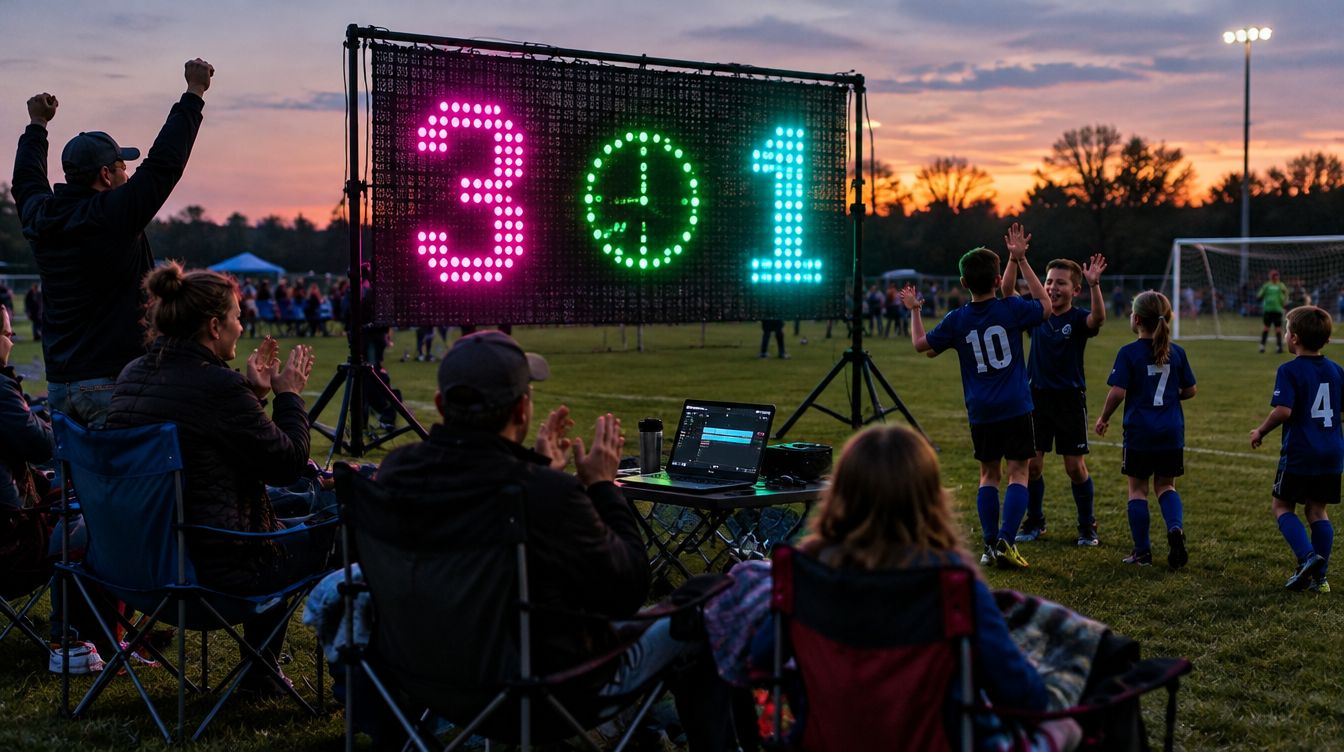
Open 🏟️ Scoreboard on the remote and pick a mode: Game Day, Live Fan or 🏎️ F1. Off returns to the light show.
 Concept image
Game Day: keep score yourself
- Choose a Sport from the dropdown: Soccer, Football, Basketball, Baseball, Softball, Hockey, Lacrosse, Volleyball, Pickleball, Tennis, Rugby, Water polo, Cornhole, Other, plus a Countdown timer.
- Open ⚙️ Game setup to set minutes per period, number of periods, and ⏳ Count down or ⏱️ Count up. Tap Set up the game.
- Tap ▶ Start to run the clock. Nudge it with −1 min −10 s +10 s +1 min.
- Add points with the score buttons, or type the score straight into the box. −1 fixes a mistake.
Timeouts, fouls and the ball
- Use − and + for timeouts and fouls. They show as dots on the wall.
- Tap the ball button to switch possession.
- Baseball and softball track balls, strikes and outs. Football tracks down and distance.
- Use the arrows to change period, quarter or half.
Fix-it buttons
- ↶ Undo takes back the last change (up to 40 steps).
- ⇄ Swap sides flips the teams at halftime.
- New game clears everything (it asks first).
Every score gets a celebration on the wall, and it doesn't always say "GOAL". Expect SCORE, TOUCHDOWN, a big burst of color and more.
At the field: bring the laptop, turn on your phone hotspot, connect the laptop to it, then open the remote link on your phone. Battery-powered curtains make this easy.
Live Fan: follow a real game
- Tap Live Fan, pick a League (pro or college), then your Team.
- Tap Follow this team.
- During the game the score updates every 10 seconds. When your team scores, the wall celebrates in their colors.
GlowBop uses public score feeds and has backups for the major leagues. If a feed is slow, the board catches up on the next update.
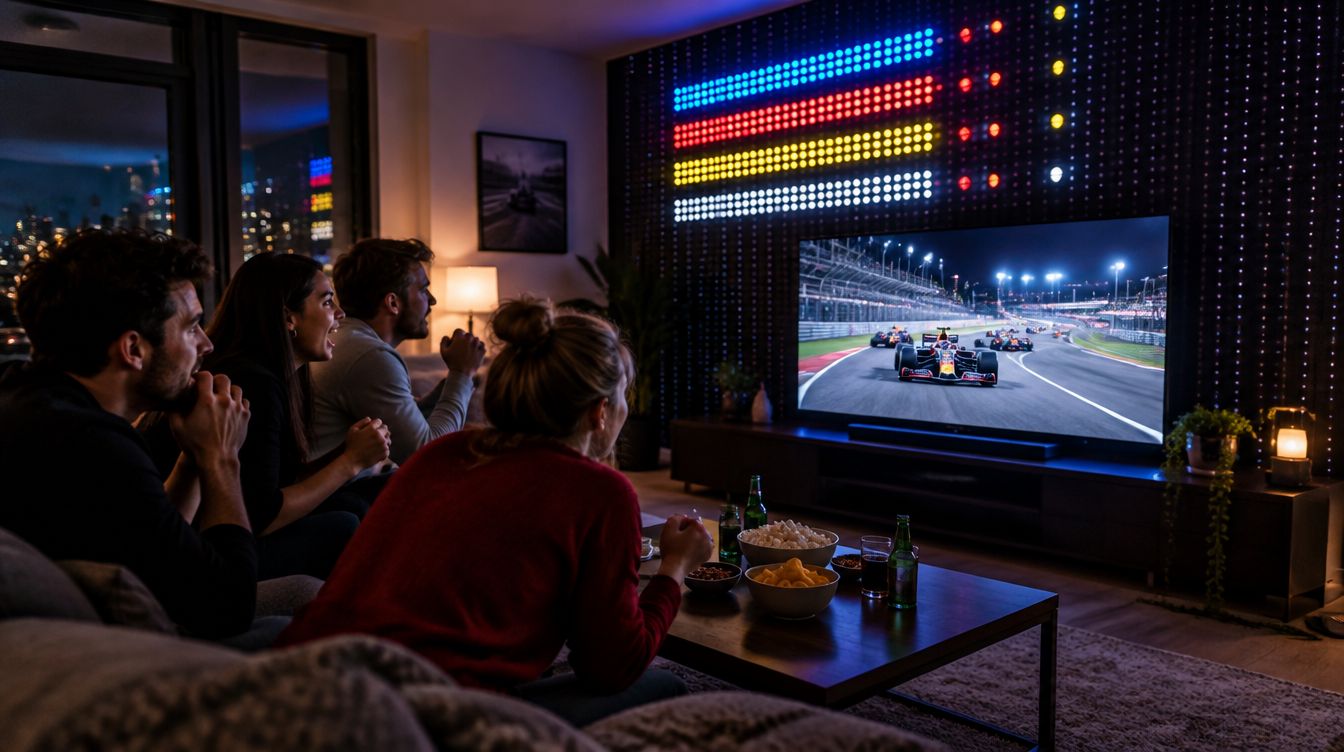
F1 live board 🏎️
 Concept image
- Rows show position and driver code with a team color tab.
- A tyre dot: red soft, yellow medium, white hard.
- A gap bar, purple for the fastest lap, plus DRS and a rain indicator.
- Celebrations for NEW LEADER, POLE, TOP TIME and WINNER. Pit stops get a soft flash.
Works during practice, qualifying and the race, whenever a session is live.
Countdown timer
Pick Countdown timer only as the sport for a giant clock across the whole wall: halftime, a party countdown, New Year's Eve.