🔥 Fireplace
One-tap fire in 7 colors, cozy or roaring.
Turn the whole wall into a fire with one tap. There's no fireplace frame and no logs, just the flames, simulated live so they never loop.
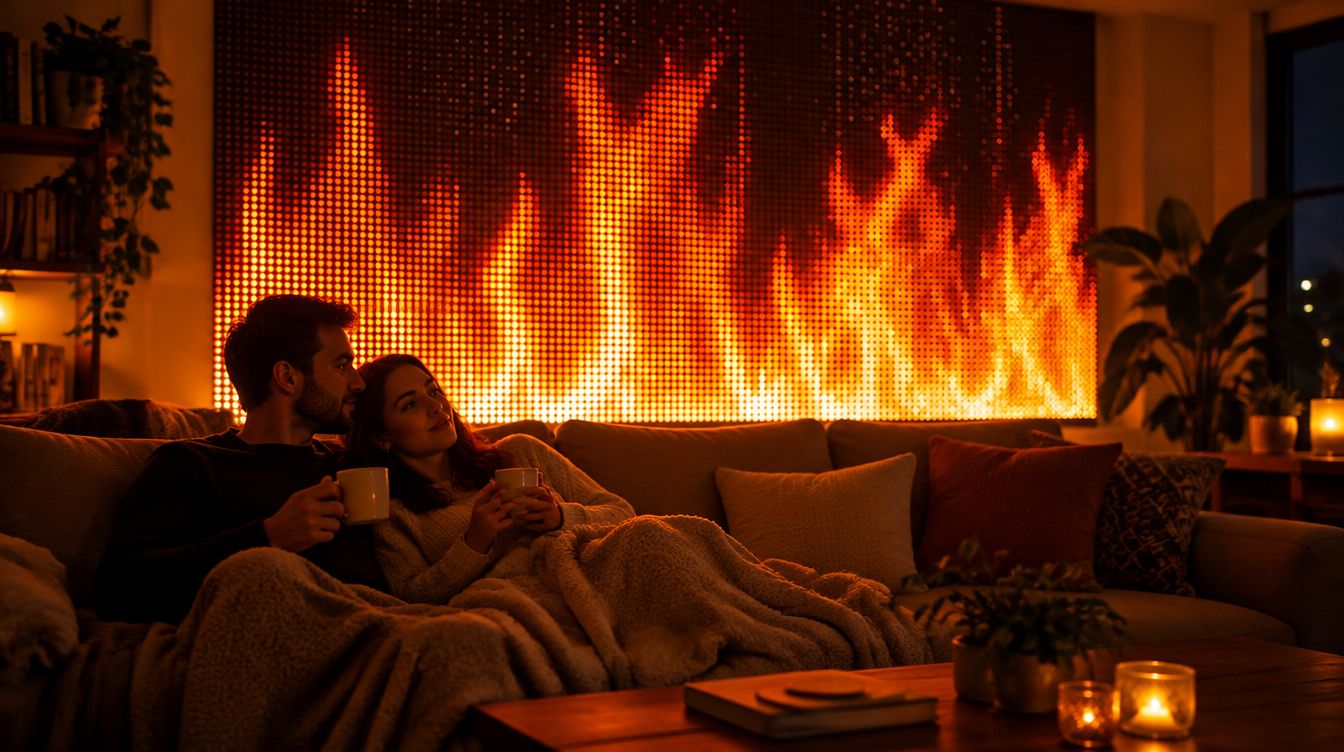 Concept image
Light the fire
- On the phone remote, open the 🔥 Fireplace card.
- Tap 🔥 Light the fire. The banner at the top turns orange and says FIREPLACE.
- To stop, tap 💨 Put out the fire, or Put out fire in the banner.
7 colors
🔥 Classic 💙 Blue gas 💜 Purple 🌈 Rainbow 💚 Green 🩷 Pink 🤍 Ice
Rainbow drifts slowly through every color across the wall and keeps a white-hot core. Green is great for Halloween and St. Patrick's, Pink for Valentine's, Ice for a ghostly winter look.
Cozy or Roaring
- 🛋️ Cozy: tall, relaxing flames that reach up the wall, with a small flare now and then.
- 🔥 Roaring: fast, wild flicker with big whooshes of flame every few seconds and bursts of sparks.
Calm or Dance
- 🕯️ Calm: the fire ignores the music. Perfect for a quiet night.
- 💃 Dance: the flames swell gently with the beat. Fire that grooves.
On a big wall
With several curtains, GlowBop builds one long bed of fire across all of them, like a modern linear fireplace. Stacked curtains get taller flames.
Good to know: the fireplace stays lit until you put it out. Turning on the scoreboard puts the fire out, and lighting the fire turns the scoreboard off. Text and logos still show on top of the flames.