Sound-active, DMX or an app? How to run an LED curtain DJ backdrop
The short answer
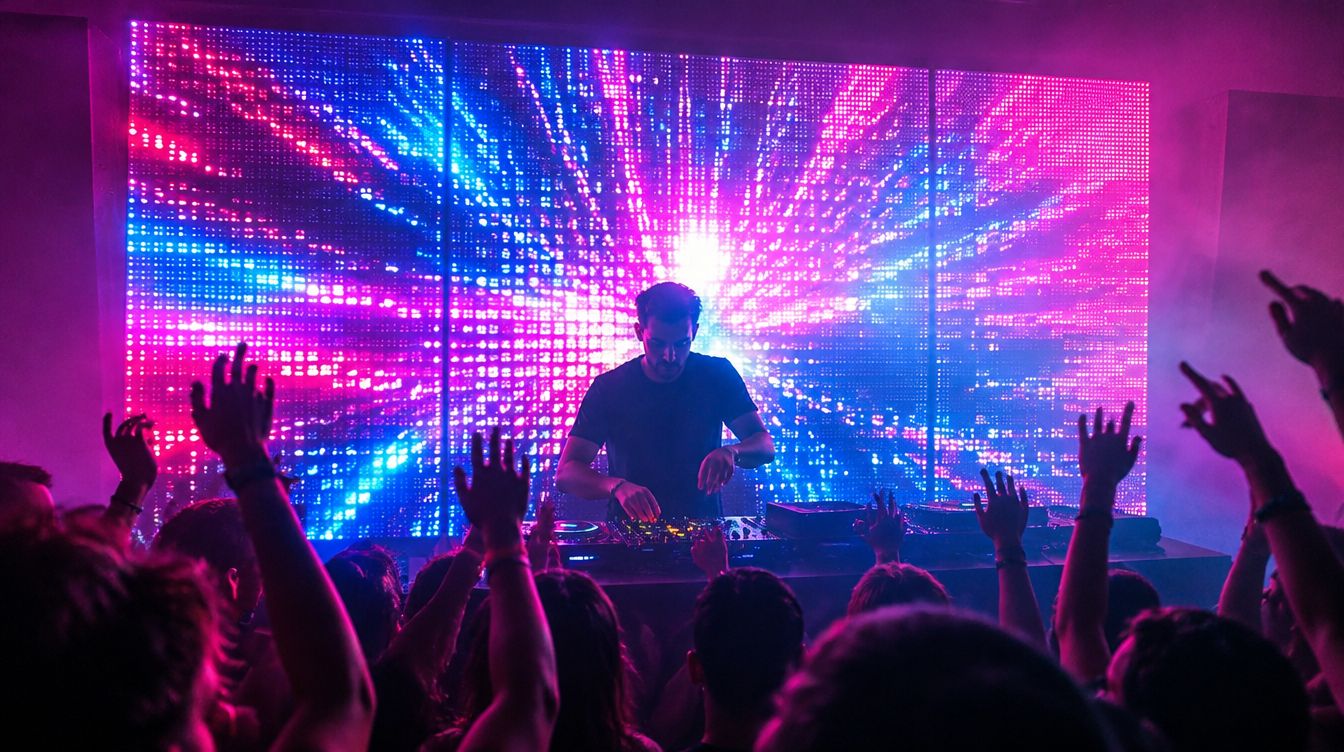
Sound-active lights are simple but you lose control, DMX gives full control of stage fixtures but takes gear and setup, and an app on your laptop sits in between. For an LED curtain backdrop, GlowBop runs a live show from the audio your laptop plays, works with any DJ software, and gives you hit pads and a drop key on your phone or iPad. Pro DJ adds Autoloops, cue lists, Song Shows, MIDI and VirtualDJ sync.
Sound-active, DMX or an app: what is the difference?
If you DJ parties, weddings or small rooms, you have probably asked this already. Each way works. They just trade simple for control in different amounts.
Sound-active
The light has a little microphone and reacts to what it hears. Plug it in and go. The catch: it reacts to everything, including the crowd and the MC, and you cannot tell it to hold back for the build or hit hard on the drop. Simple, but you are along for the ride.
DMX
DMX is the standard for stage lights: moving heads, pars, wash lights and fog. With a DMX interface and lighting software you get full control of every fixture. The catch is the gear and the setup time, and the lights themselves are stage fixtures, not the curtain on your living room wall.
An app on your laptop
The middle road. Software on your laptop runs consumer LED lights, like curtains and strings, from the music. You keep control from a screen, without a DMX rig. The catch: it depends on the lights it supports, and on good Wi-Fi.
How do I run an LED curtain backdrop at a gig?
- Hang it flat and straight. Curtains side by side make one big screen behind you. More curtains, bigger backdrop.
- Keep the controller near the laptop. If the venue has Wi-Fi, use it. If not, a phone hotspot keeps the laptop and the lights on one network.
- Cable your speakers. Bluetooth audio from the same laptop can crowd the air your Wi-Fi lights use.
- Plan the quiet moments. Speeches, the first dance and the cake need calm lights, not a strobe. Know how you will switch.
- Test before doors open. Play a few tracks at full volume and watch the wall from the dance floor.
How GlowBop handles it
GlowBop is the app road, built for curtains. It runs on a Windows laptop and listens to the audio the laptop plays, so it works with Serato, rekordbox, VirtualDJ, Traktor, Spotify or YouTube, with no plugin. You run it from the laptop or from your phone or iPad: scan the QR code and the whole console opens in the browser.
DJ mode, on every plan
DJ has its own key on the rail. The music show keeps running and you add moves on top, the way a lighting tech runs a club:
- 13 hit pads on every plan, like Drop, Strobe, Flash, Confetti, Lightning and Blackout. Turn on Snap to beat and even a late tap lands on the next beat. See the hit pads guide.
- Charge the drop: hold it and the wall winds up, let go and it drops.
- Skip keys for the next look or effect, tap tempo for a loud room, and crowd lines like HANDS UP in big letters.
- A DJ controller: plug a USB pad controller into the laptop and teach its buttons to GlowBop. Home DJ vs Pro DJ shows what each plan includes.
Step by step in the DJ mode guide.
Pro DJ, for working gigs
Pro DJ adds the tools working DJs and venues ask for:
- Autoloops: 32 beat-synced looks in four banks that drop in on the next bar.
- Cue lists with a big GO: plan the event (Grand Entrance, First Dance, Cake, Last Song) and run each moment with one key. On a laptop, the space bar is GO.
- Song Shows: a timeline for a song that plays the same way every time. Auto-draft writes a first show in one tap.
- LIVE BOARD faders, zones and palettes, plus override keys for blackout, white and strobe.
- Interlude · Ambient for speeches: the wall goes calm while people talk, then fades back in.
- MIDI: ready layouts for the Akai APC mini mk2 and APC40 mkII, Novation Launchpad Mini MK3, Launchpad X and Launch Control XL, with pad LEDs, plus MIDI clock in and out.
- VirtualDJ sync, for the tightest beat.
And it is built for gigs: held keys let go by themselves if the Wi-Fi drops, so the wall never gets stuck dark. The full list is in the Pro DJ guide.
The honest limits
GlowBop does not run DMX moving heads or fog machines yet. There is no Ableton Link, Pioneer Pro DJ Link or Denon StageLinQ yet either. If your rig is DMX stage fixtures, a DMX app like SoundSwitch or Lightkey is the better fit. If your backdrop is LED curtains and strings, that is what GlowBop is made for. The side by side is on GlowBop Pro DJ vs DJ lighting software.
Lights that work today: Twinkly curtains and strings, Nanoleaf string lights and the LIFX String, with Govee as a one-color wash. See supported lights.
Try it
Every Pro tool is playable in the live demo. Pro DJ is $8.99 a month, $89 a year or $449 once, with a 7-day free trial on monthly and yearly plans. See pricing. Want your name on the wall behind you? Read how to put text and pictures on an LED curtain.
Questions people ask
Should I use sound-active lights, DMX or an app for DJ lighting?
Sound-active is the easiest but reacts to whatever its mic hears. DMX gives the most control over stage fixtures but needs an interface and setup time. An app like GlowBop runs consumer LED lights from your laptop with live control on your phone.
What software can run an LED curtain as a DJ backdrop?
GlowBop runs Twinkly curtains, Nanoleaf string lights and the LIFX String as one backdrop from a Windows laptop. It listens to the audio the laptop plays, so it works with any DJ software.
Does GlowBop work with Serato, rekordbox or VirtualDJ?
Yes, with any DJ software, because it listens to the laptop's audio with no plugin. With Pro DJ, VirtualDJ sync and MIDI clock give the tightest sync. There is no Ableton Link, Pioneer Pro DJ Link or Denon StageLinQ yet.
Can I control the lights from my phone while I DJ?
Yes. Scan the QR code on the laptop and the full console opens in your phone or iPad browser, nothing to install. At a venue with no Wi-Fi, connect the laptop to your phone's hotspot.
Does GlowBop run DMX moving heads or fog machines?
No. GlowBop is made for consumer LED lights. If your rig is DMX stage fixtures, a DMX app like SoundSwitch or Lightkey is the better fit.