Can I run Twinkly, Nanoleaf and LIFX in one light show?
The short answer
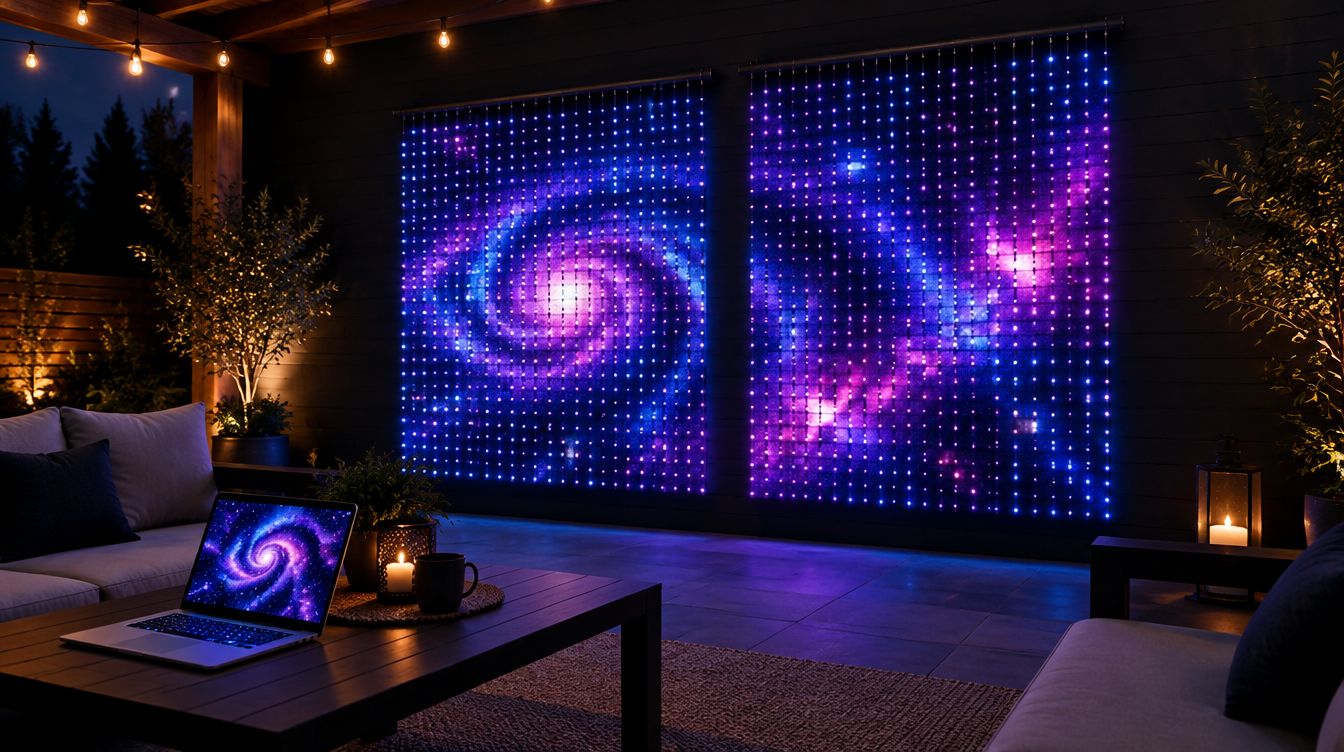
Yes, with an app that controls more than one brand. Brand apps only run their own lights, so you need one controller that sees them all on your Wi-Fi. GlowBop plays one picture across Twinkly curtains and strings, Nanoleaf string lights and the LIFX String today. Govee joins as a one-color wash, and Philips Hue is planned.
Why can't my lights just work together?
You start with a Twinkly curtain. Then a Nanoleaf string goes on sale. Then someone gives you a LIFX String for your birthday. Now you have three apps, three music modes, and three light shows that have never met.
That is normal. Each brand app is built to run that brand's lights. To get them playing one show, you need one controller that can see all of them at once.
What do I need before mixing brands?
A little setup up front saves a lot of headaches later.
- Set each light up in its own app first. Make sure it joins your Wi-Fi and lights up there.
- Use one Wi-Fi network. All your lights, your computer and your phone should be on the same main network. Guest networks often block devices from seeing each other.
- Check the band. Many smart lights only join 2.4 GHz Wi-Fi.
- Turn on outside control where needed. Some brands ask you to allow it. For Nanoleaf, connect it to Wi-Fi (not just Bluetooth) and turn on "Connect to API" in the Nanoleaf app.
- Know what each light can do. A curtain is a grid of pixels, so it can show pictures and words. A string is a line. A single-color light can only show one color at a time.
Which brands work in one GlowBop show?
Here is the honest list, straight from our supported lights page. We only mark a light supported after we have run it ourselves.
- Twinkly curtains: supported. Up to 8 in a row, a stack or a grid. Twinkly string lights join in too.
- Nanoleaf string lights: supported. Hang them beside your curtains and they play one picture together.
- LIFX String: supported. Set it up in the LIFX app, then GlowBop finds it on your Wi-Fi. Other LIFX strips talk the same way but are not tested yet.
- Govee: color wash only. We tested the Govee Curtain Lights Pro, and in GlowBop it works as one color for the whole curtain. It makes a nice glow beside your wall, but it cannot show words or pictures.
- Built in, testing: TikTok-style Bluetooth pixel curtains, DayBetter strips and WLED.
- Planned: Philips Hue, and DJ and stage lights (DMX). None of these work yet.
How GlowBop handles it
My own setup is a wall of Twinkly curtains, a Nanoleaf string wrapped into a Christmas tree, and a LIFX String. Getting those three to play one show is why GlowBop exists.
- Find them all at once. On the LIGHTS page, tap Find my lights. GlowBop scans your Wi-Fi and Bluetooth for every brand and adds them in one go.
- One live wall. The live wall is the editor. Drag every curtain and string to where it really hangs, add bends to a string, and the show plays across all of them as one picture.
- Snap to join. Drop a light right next to another one and it clicks flush like a magnet. The two shows become one. A glowing outline wraps the lights that share a show.
- Groups when you want them apart. Prefer the curtains on one show and the tree on another? Light groups let each group run its own show, and chips above the live wall pick which group you are controlling.
- Turn a string into a curtain. Tap Make it a curtain, pick a height, and GlowBop works out the drops and shows you how to hang it, snaking up and down. Now your string lines up with your real curtains.
- Line up your curtains. With more than one curtain, the line-up wizard puts a number and an arrow on each so you can rotate, flip and order them in about a minute.
- Your screen across every brand. Screen mirror puts whatever plays on your laptop across the whole wall, and each light shows its part of the same picture.
- One health check for all of them. Check my lights and Light health give every light a score, name the brand, and tell you why one is struggling.
And it all runs from one console on your phone, iPad or laptop. Scan a QR code and you are in, no app to install on the phone.
Try it
Drag a string next to two curtains in the live demo and watch them join. Then read the getting started guide to set up your own lights, or see everything on the features page. GlowBop runs on Windows 10 and 11, with a 7-day free trial.
Questions people ask
Can Twinkly and Nanoleaf work together?
Not in their own apps, since each brand app only runs its own lights. GlowBop runs Twinkly curtains and strings and Nanoleaf string lights side by side as one wall, playing one picture.
Which lights does GlowBop support?
Twinkly curtains and string lights, Nanoleaf string lights and the LIFX String are supported today. TikTok-style pixel curtains, DayBetter strips and WLED are built in and being tested. Govee works as a one-color wash.
Does GlowBop work with Philips Hue?
Not yet. Philips Hue is planned. The supported lights page shows exactly where each brand stands.
Can I run different shows on different lights?
Yes. Light groups let you split your lights so, for example, the curtains run one show and another light runs its own.
I only have string lights. Can they be a light wall?
Yes. GlowBop can turn a string into a curtain: pick a height and it works out the rows and shows you how to hang it.
Do I still need the brand apps?
Set each light up in its own app first so it is on your Wi-Fi. After that GlowBop takes over the show.