Why do my sound-reactive lights react to talking? Sound-reactive vs music-aware
The short answer
Most music modes listen through a microphone, so they react to how loud the room is. Voices, laughs and clapping count as sound, and quiet songs barely register. A music-aware app listens to the music itself and follows the beat and the parts of the song. GlowBop hears the exact sound your computer plays, so talking does not throw it off.
Why do my lights react when people talk?
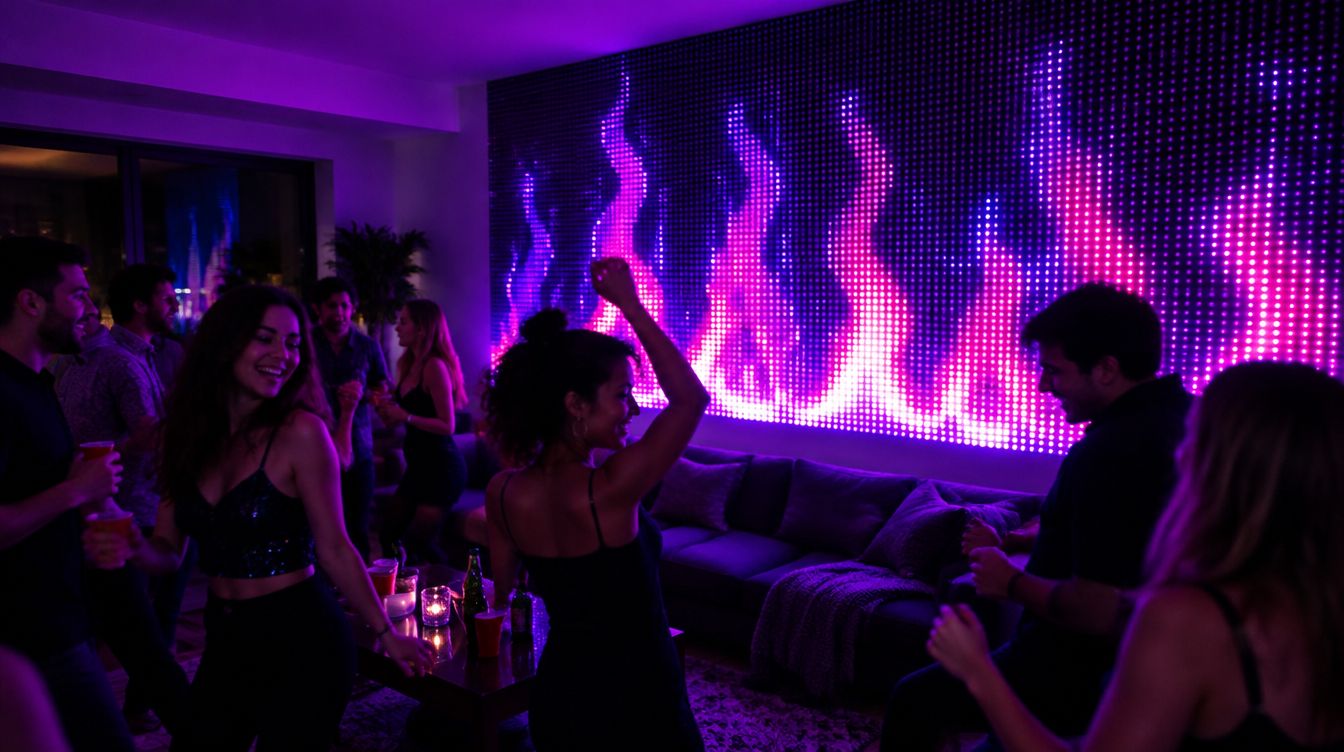
You put on a playlist, friends show up, and suddenly the curtain is flashing every time someone laughs. Then a slow song comes on and the lights just sit there. If that sounds familiar, your lights are not broken. They are doing exactly what a microphone tells them.
Many light apps and controller boxes listen through a mic, either on the phone or in the box itself. A mic hears the room. To a mic, a voice and a snare drum are both just sound. So the louder the room gets, the more the lights jump, music or not.
Why does music mode miss quiet songs?
The other side of the same problem. A mic-based mode mostly follows how loud it is. A soft acoustic song, a movie score or music playing across the room does not give it much to work with. The lights go dark, or they flicker in a way that does not match anything.
What can I try with the lights I have?
If your lights use a mic, these help a lot:
- Move the mic close to the speaker. If the mic is in a controller box, set the box near the speaker. If it is your phone, prop the phone next to the speaker.
- Keep it away from the crowd. A mic next to the couch hears the couch.
- Turn down the sensitivity. If your app has a sensitivity slider, lower it for parties and raise it for quiet nights.
- Turn the music up a little. The mic needs the music to be the loudest thing in the room.
- Pick songs with a clear beat. Mic modes do best with a steady kick drum.
Sound-reactive vs music-aware: what is the difference?
Here is the plain-words version.
- Sound-reactive lights react to how loud it is. A drop gets the same flash as any loud moment. Quiet parts go dark or flicker. Movie music flashes all the way through. The second time a song plays looks the same as the first. The sound comes from a mic in the room.
- Music-aware lights follow the song. They find the beat and the first beat of the bar, they feel a build winding up, and they save the big move for the real drop. Quiet parts get calm, flowing looks. The music comes straight from the player, not from the air.
The difference is the feeling. Sound-reactive looks like the lights are startled by noise. Music-aware looks like someone is running the lights.
How GlowBop handles it
GlowBop is music-aware. Here is what that means on your wall.
- No microphone. GlowBop listens to the sound your Windows computer plays, from Spotify, YouTube, Apple Music, DJ software or a video. Talking, laughing and room noise do not throw it off, because it never hears them.
- It follows the song. The beat, the build, the drop, the breakdown. Drops get a big move and usually a new look. The music detection page has the full side-by-side.
- Quiet songs stay pretty. Movie scores, chill songs and jazz get calm, flowing looks with no harsh strobes. Cinematic songs switch to Epic mode, which swells through the build and saves the big moment for the true peak.
- It knows the song next time. Song memory learns a song's shape the first time it plays, so next time it already knows where the drops are.
- You can steer it. Pace goes Chill, Normal or Hype. If the light style guess is wrong, tap Epic, Dance, Chill or Jazz and GlowBop remembers it for that artist. All in the music show guide.
- When the music stops, you choose: keep GlowBop's calm look, or let each light drift into its own gentle effect.
That is the part I care about most on my own wall of Twinkly curtains: the room can be as loud as it likes, and the lights still answer to the song.
One honest note: because GlowBop listens on the computer, the music has to play on the computer. Send it to any speaker you like. If you use Bluetooth, the Sync slider lines the lights up with it (more on that in why are my lights behind the beat).
Try it
Put on a quiet song, then a loud one, in the live demo and watch how the wall changes. GlowBop runs on Windows 10 and 11 with Twinkly, Nanoleaf and LIFX String lights. See supported lights and start a 7-day free trial on the pricing page.
Questions people ask
Why do my lights react to people talking?
Music modes that use a microphone hear the whole room. A voice, a laugh or a door slam is just sound to the mic, so the lights flash for it the same way they flash for music.
Why does music mode do nothing on quiet songs?
A mic-based mode mostly follows loudness. Soft songs, or a speaker far from the mic, do not give it much to react to, so the lights sit still or flicker.
Where should I put the mic for music mode?
As close to the speaker as you can, and away from where people talk. Many brands give this same advice in their own help pages.
What is the difference between sound-reactive and music-aware lights?
Sound-reactive lights react to how loud it is. Music-aware lights follow the song itself: the beat, the build, the drop and the quiet parts, so they change like someone is running them.
Does GlowBop use a microphone?
No. GlowBop listens to the sound your Windows computer plays, from any music app, so room noise and talking do not throw it off.
Can I play the music from my phone instead?
GlowBop listens on the computer, so play the music on the computer and send it to your speakers. Bluetooth speakers work, and a Sync slider lines them up.